
AI Assistant
AI-drafted replies and automatic answers for support tickets.
Overview
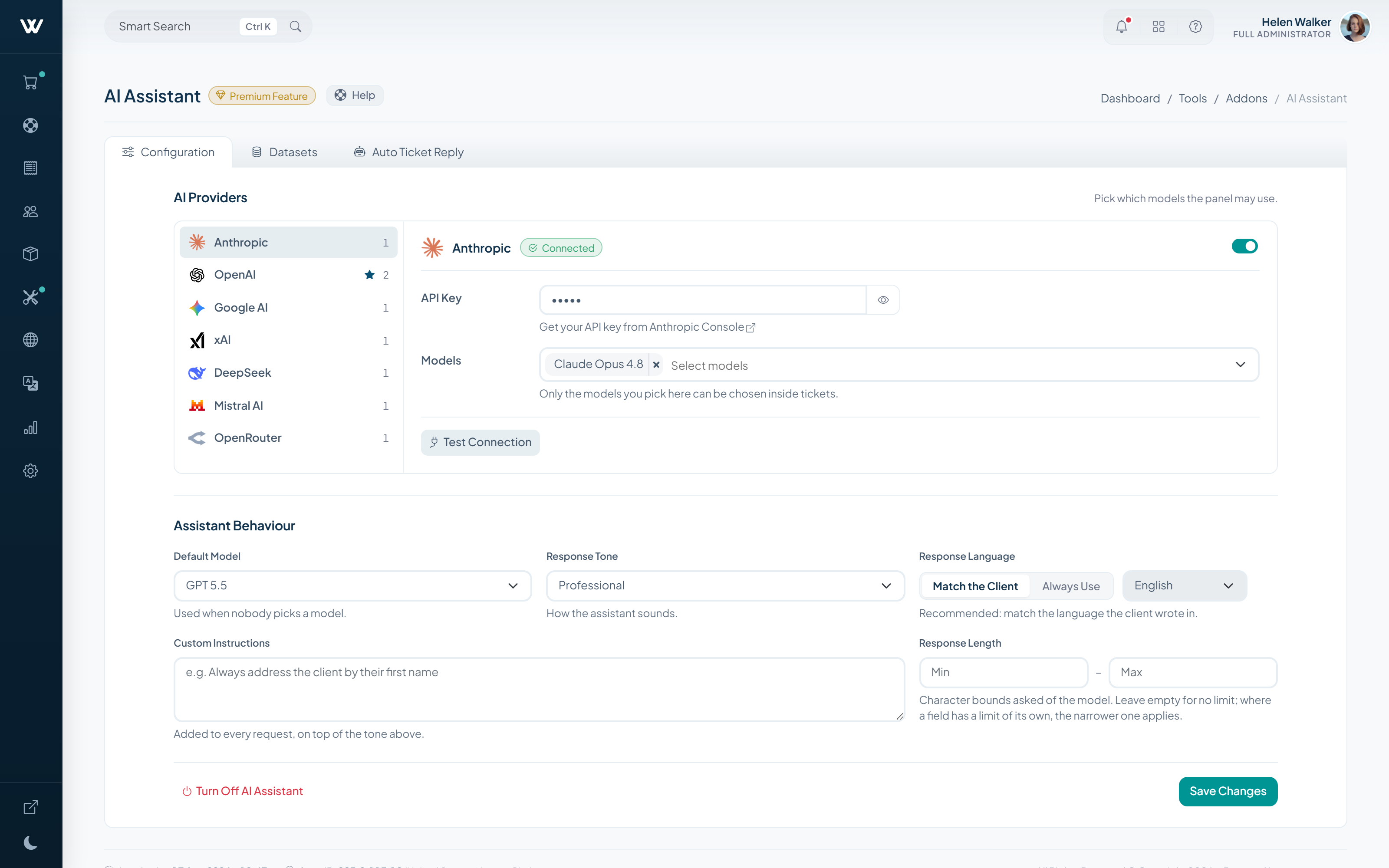
Reads an incoming ticket and drafts a reply from the conversation history and the client record. Your staff edit the draft and send it.
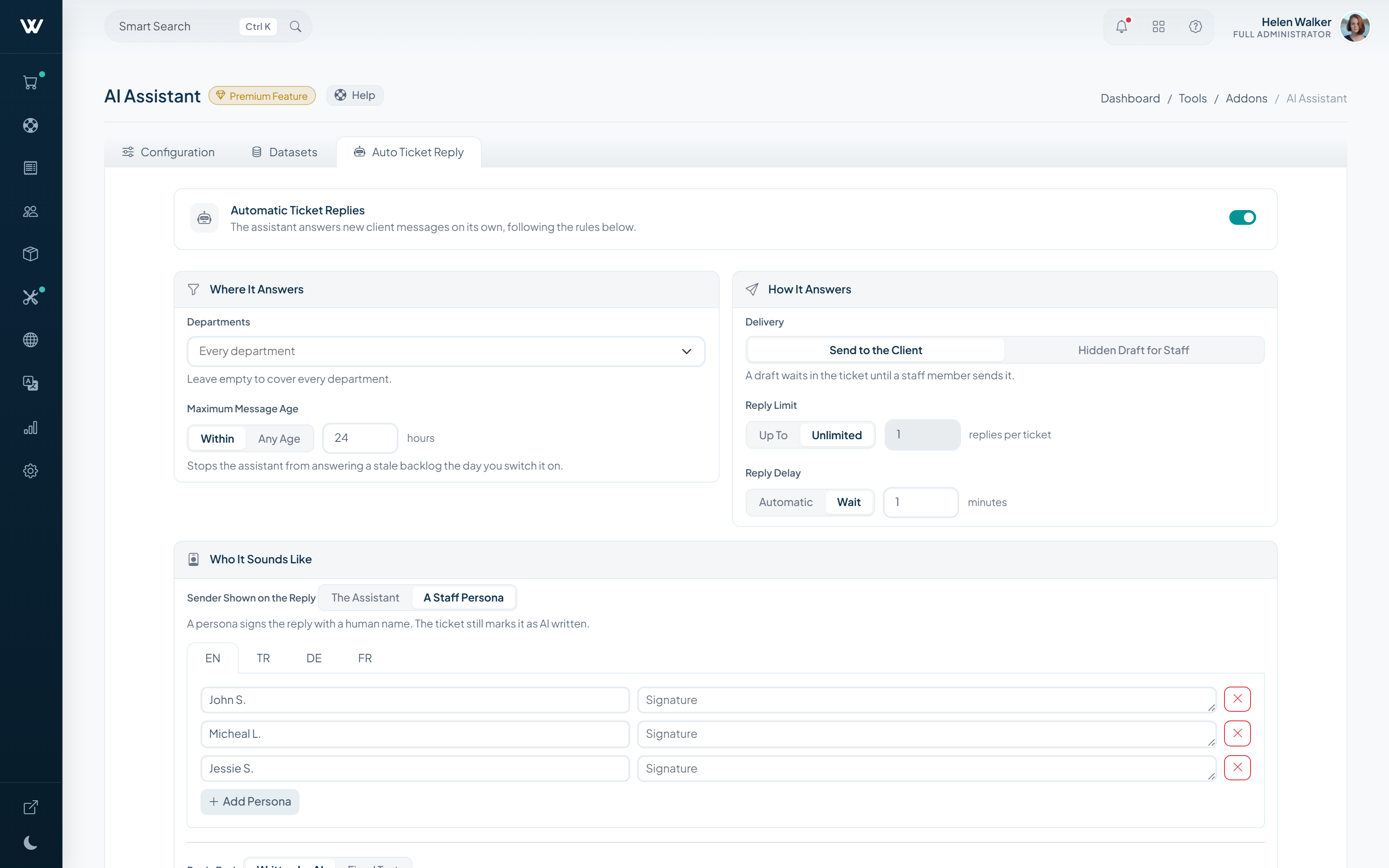
You can also let it answer directly in the cases you define, so routine questions close without occupying your team.
How It Works
-
01
Connect your provider
Enter the key for the AI provider you want to use and pick the model.
-
02
A draft is prepared on arrival
The assistant reads the conversation and the client record, then writes the answer.
-
03
Approve it, or leave it automatic
Your staff edit and send the draft, or the assistant answers directly under the conditions you set.
What It Does
- Drafts replies to support tickets
- Answers automatically under conditions you set
- Works on contact form messages too
- The provider and the model stay your choice
Setup & Scope
- WISECP Version
- 5.0 or later
- Required edition
- Starter and Pro (included with Business)
- Billing
- Monthly, annual or lifetime
- Setup
- Enabled automatically once added to your licence
-
Advanced DNS Manager
Manage DNS zones and records from WISECP, on your own nameservers.
-
WChat
Adds live chat to your website, integrated with the client area.
-
WKYC
Automates client identity verification through an external provider.


