Back to WStore

WKYC
Automates client identity verification through an external provider.
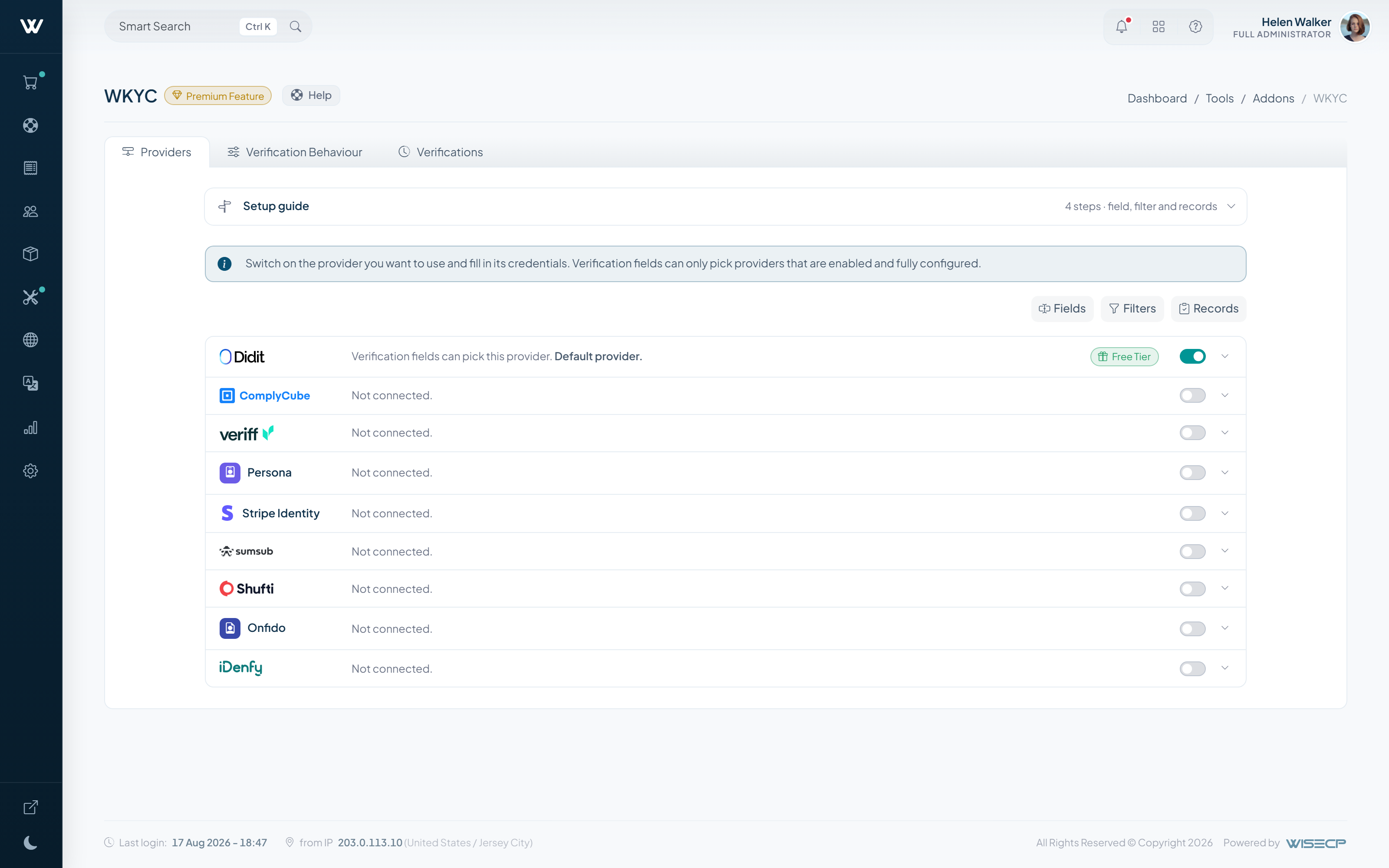
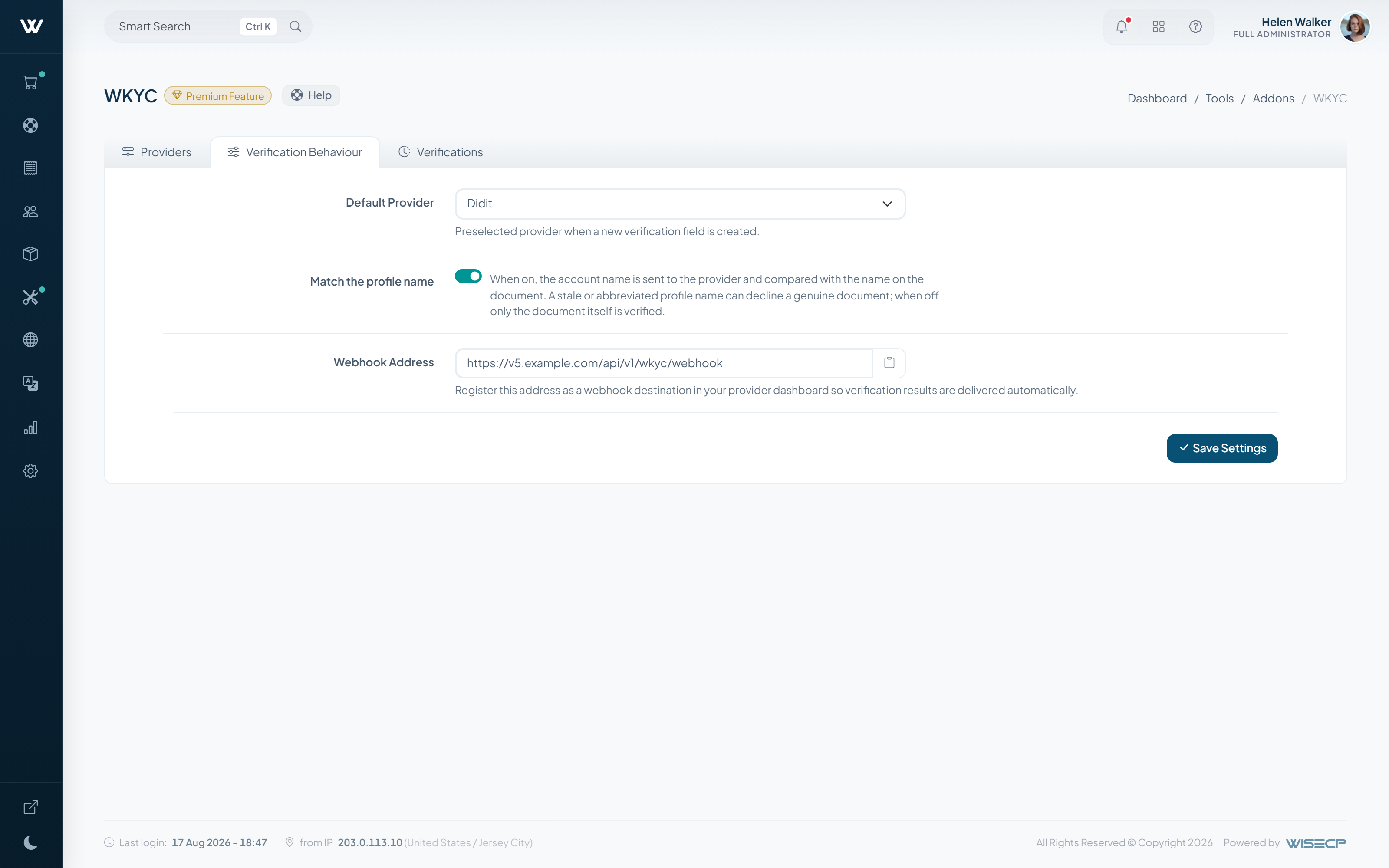
Overview
Verify the clients who need it without collecting documents by hand: verification happens at the external provider and the result is written to the client record.
You decide which clients must verify, and service activation can be made to depend on the outcome.
How It Works
-
01
Connect your provider
Enter the credentials of your identity verification provider.
-
02
Choose who must verify
Decide which client types are asked to verify.
-
03
The result is recorded
When verification completes, the outcome is written to the client record automatically.
What It Does
- Verification runs at the external provider
- The result is written to the client record automatically
- You decide which clients must verify
Setup & Scope
- WISECP Version
- 5.0 or later
- Required edition
- Starter and Pro (included with Business)
- Billing
- Monthly, annual or lifetime
- Setup
- Enabled automatically once added to your licence
-
Advanced DNS Manager
Manage DNS zones and records from WISECP, on your own nameservers.
-
WChat
Adds live chat to your website, integrated with the client area.
-
AI Assistant
AI-drafted replies and automatic answers for support tickets.


