
Advanced Virus Scanner
Scans ticket and client-document attachments for viruses, whenever your staff ask for it.
Overview
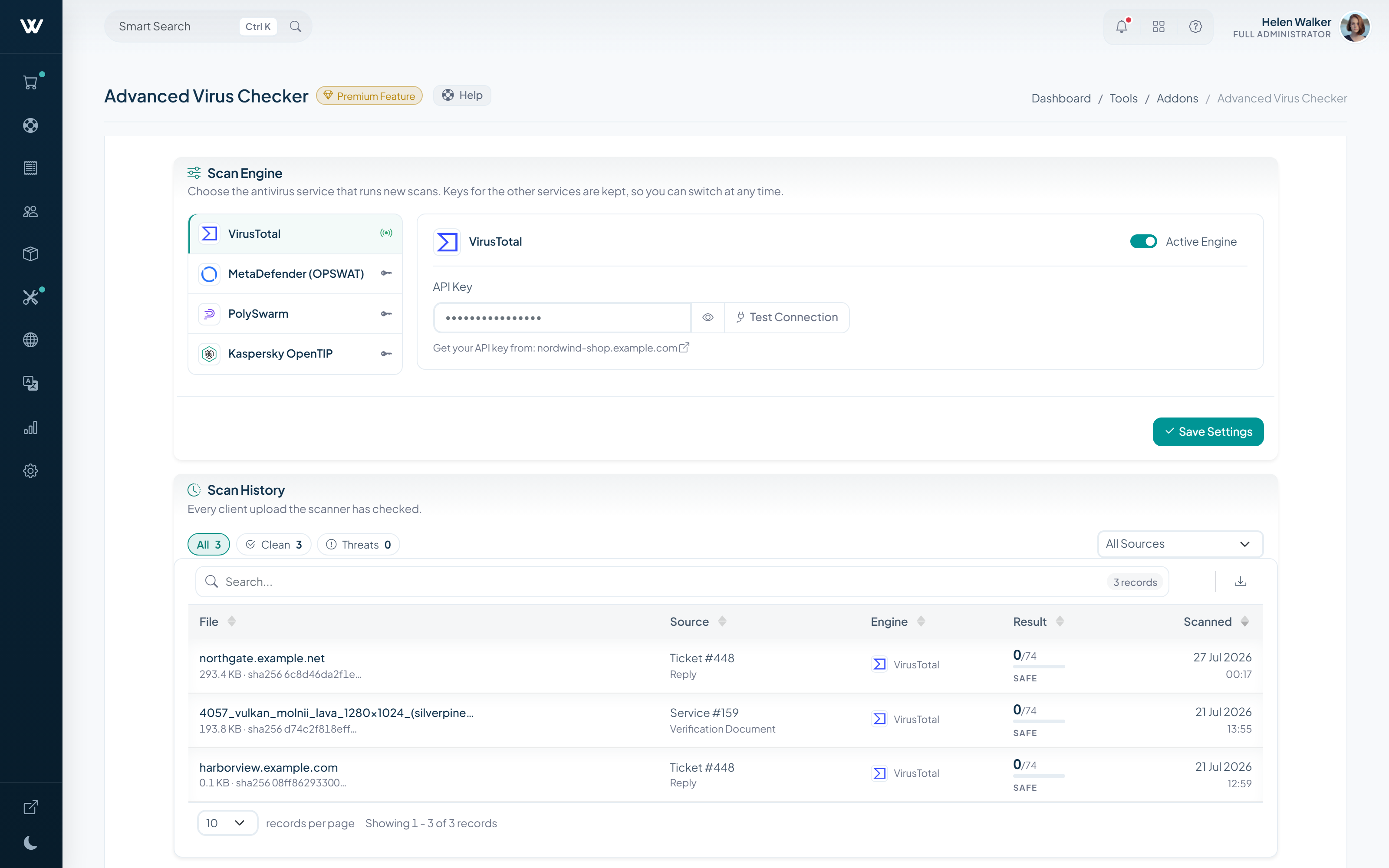
Before opening an attachment, your staff send it to the antivirus service of your choice with the button next to the file. The verdict stays with the attachment as a Safe or Unsafe label.
Whether an attachment is safe then rests on a recorded scan rather than on personal judgement, and scanning the same file again reuses the earlier result.
How It Works
-
01
Connect your scanning provider
Pick one of the supported providers and enter your key.
-
02
Press the button next to the file
Your staff decide which file goes to the scan; nothing is scanned on its own.
-
03
Read the verdict on the attachment
A Safe or Unsafe label stays with the file and links to the detailed report.
What It Does
- Attachments are scanned with one click, when staff ask
- A Safe / Unsafe label and a report link on every attachment
- Covers ticket replies, notes and client documents
- Several scanning providers are supported
Setup & Scope
- WISECP Version
- 5.0 or later
- Required edition
- Starter and Pro (included with Business)
- Billing
- Monthly, annual or lifetime
- Setup
- Enabled automatically once added to your licence
-
Advanced DNS Manager
Manage DNS zones and records from WISECP, on your own nameservers.
-
WChat
Adds live chat to your website, integrated with the client area.
-
AI Assistant
AI-drafted replies and automatic answers for support tickets.


