
Advanced IP Manager
Own your IP inventory: subnets, allocation rules and addresses assigned the moment a service is provisioned.
Overview
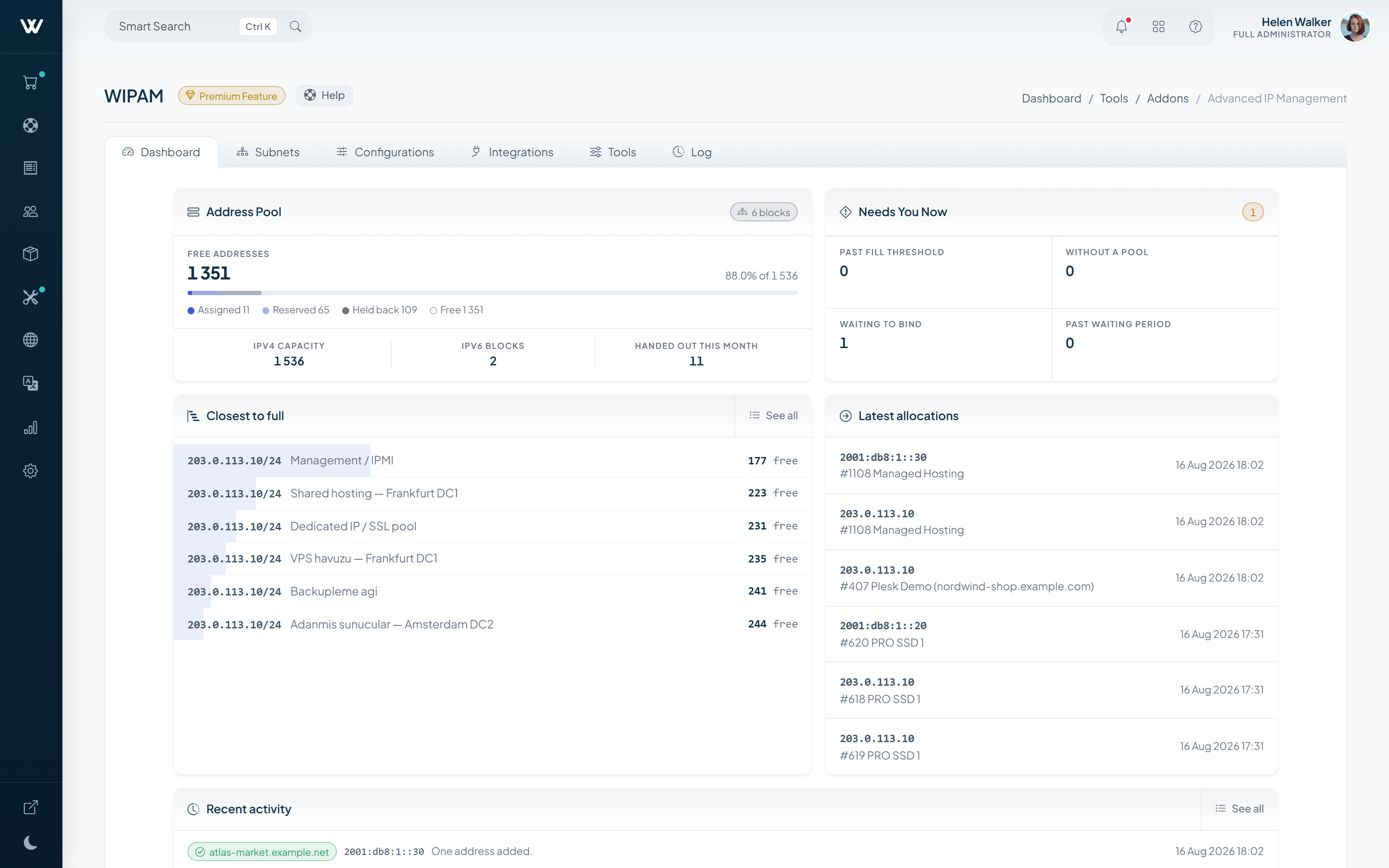
IP addresses you own are tracked here rather than in a spreadsheet: every address knows which service holds it, and every order takes the next free one on its own.
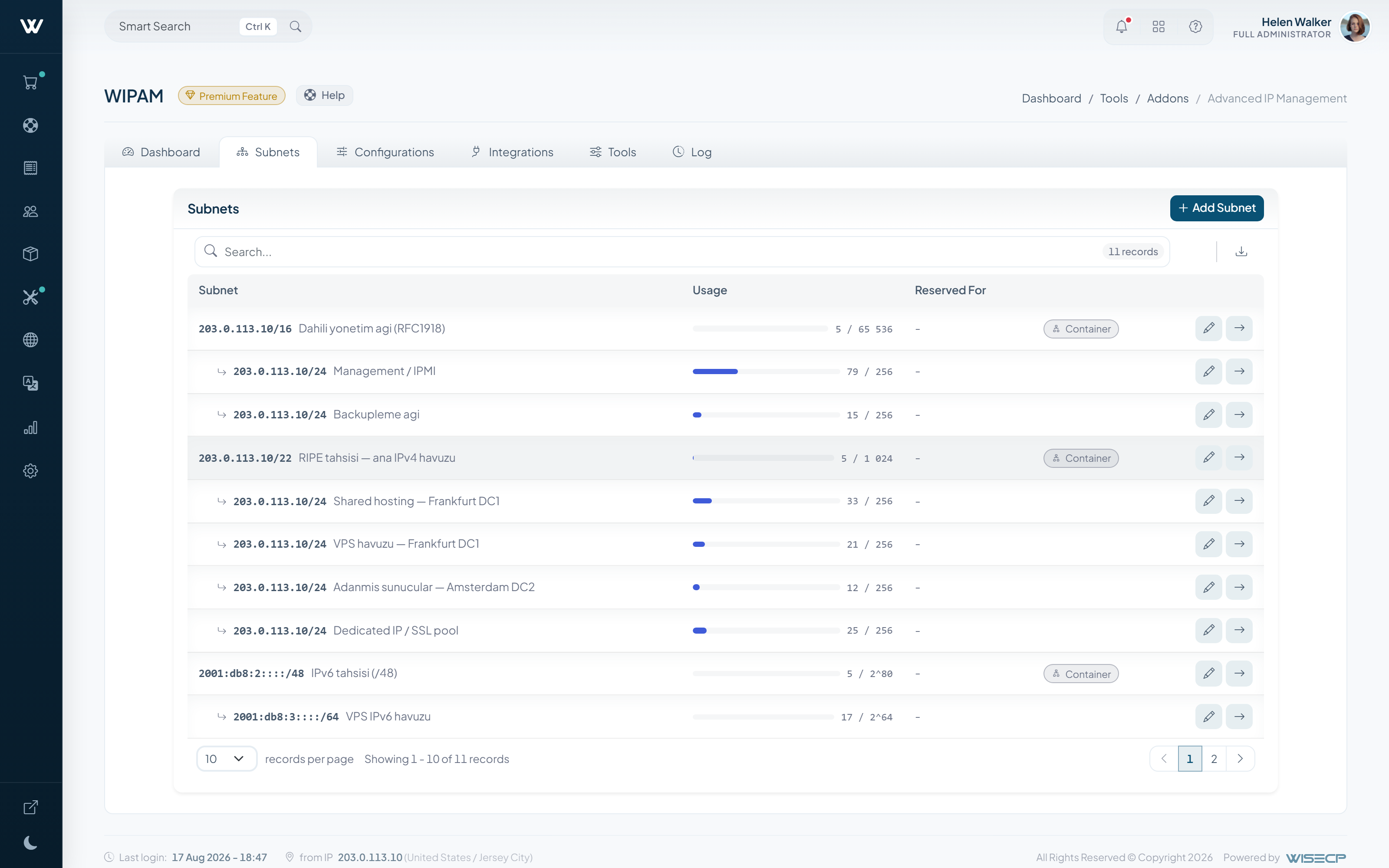
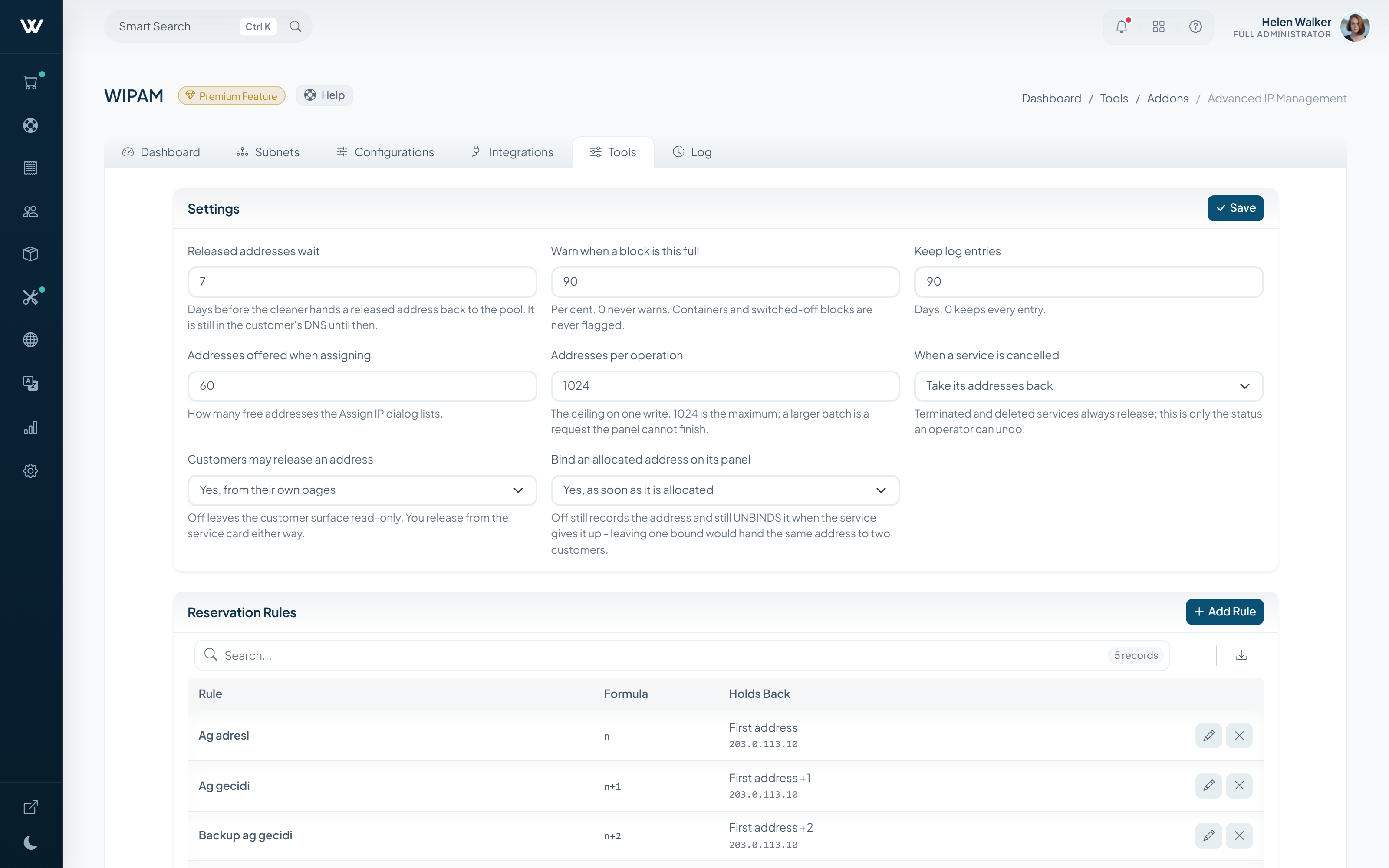
Subnets live as a tree, with IPv4 and IPv6 managed in the same place. Allocation rules are set per product, server and add-on, and pools can be reserved for a single client or service.
How It Works
-
01
You enter your subnets
Define your IPv4 and IPv6 blocks and split them as deep as you need in a tree.
-
02
You write the assignment rule
Decide which product draws addresses from which pool.
-
03
Assignment happens at provisioning
When a service is created an address is reserved, recorded and shown to the client.
What It Does
- Multi-level subnet tree with splitting and merging
- IPv4 and IPv6 support
- Automatic per-product address assignment
- Reserving network, gateway and broadcast addresses
- Warnings for subnets nearing capacity
- An audit record for every change
Setup & Scope
- WISECP Version
- 5.0 or later
- Required edition
- Starter and above
- Billing
- Monthly, annual or lifetime
- Setup
- Subnets are entered and assignment rules are bound to products.
-
Advanced DNS Manager
Manage DNS zones and records from WISECP, on your own nameservers.
-
WChat
Adds live chat to your website, integrated with the client area.
-
AI Assistant
AI-drafted replies and automatic answers for support tickets.


