
Advanced DNS Manager
Manage DNS zones and records from WISECP, on your own nameservers.
Overview
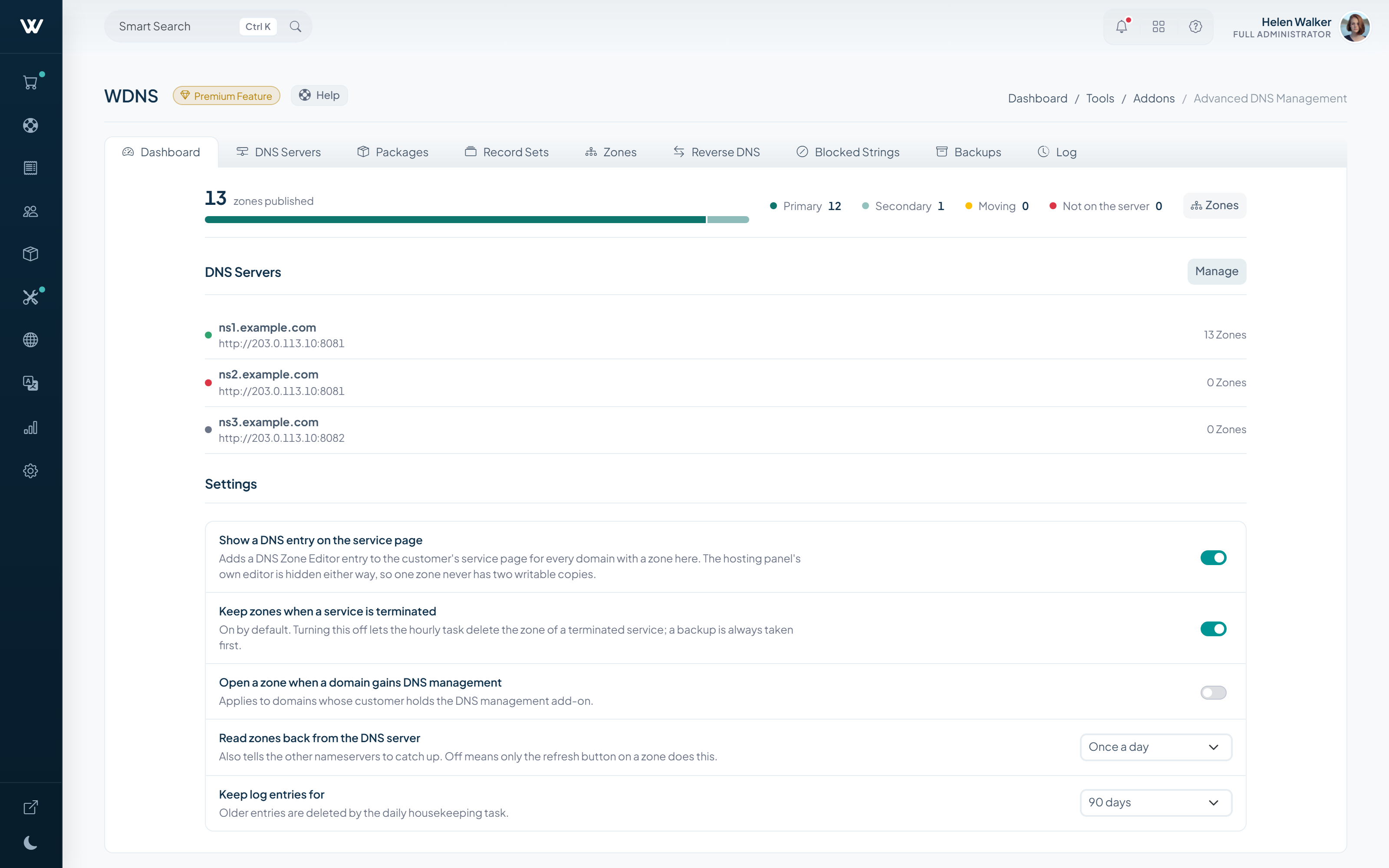
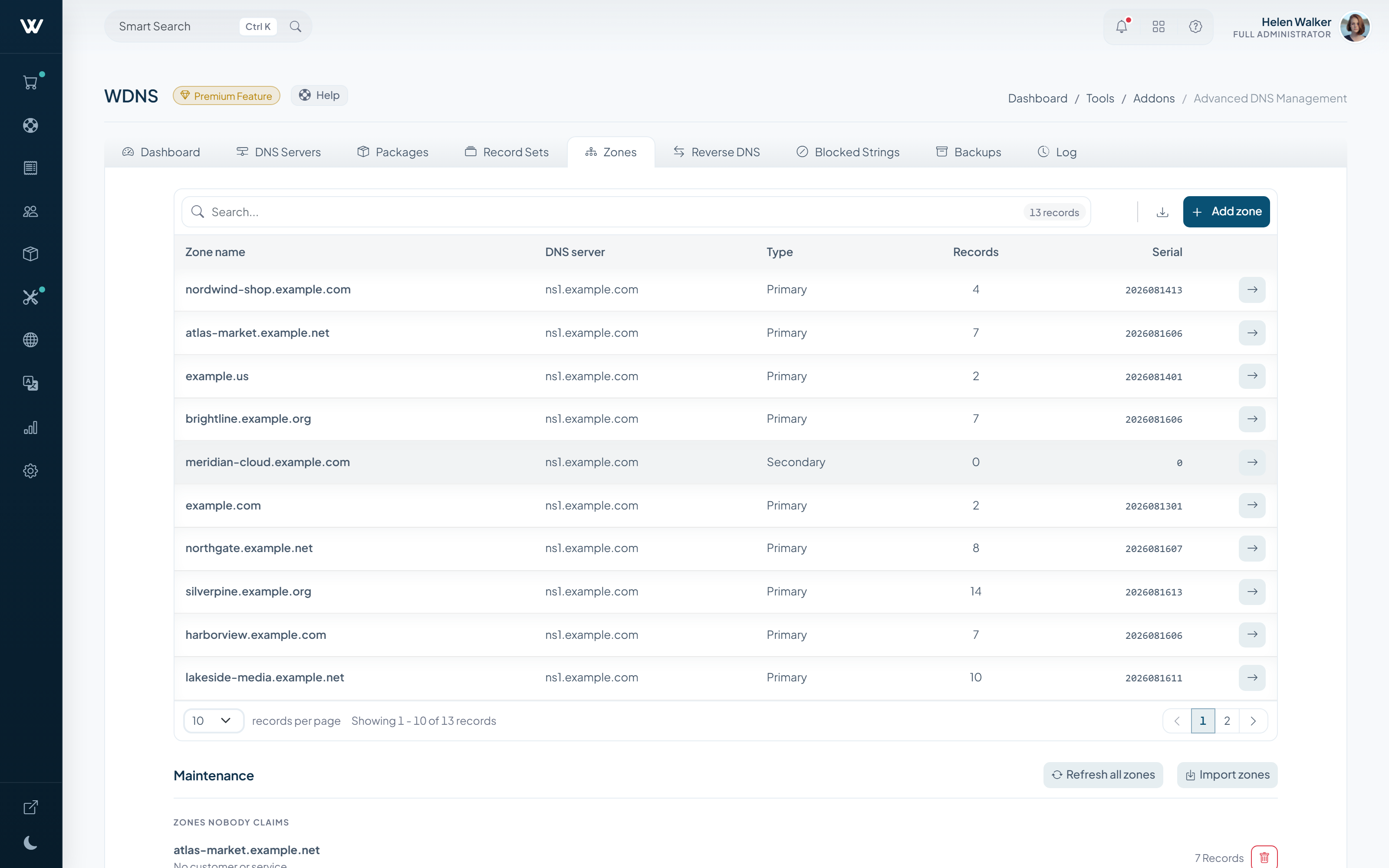
Manage DNS zones and records from the panel, on your own nameservers: creating zones, editing records and DNSSEC signing all happen in one place.
You can serve DNS for domains whose registrar does not offer it, and sell DNS hosting as a product on its own.
How It Works
-
01
You define your nameservers
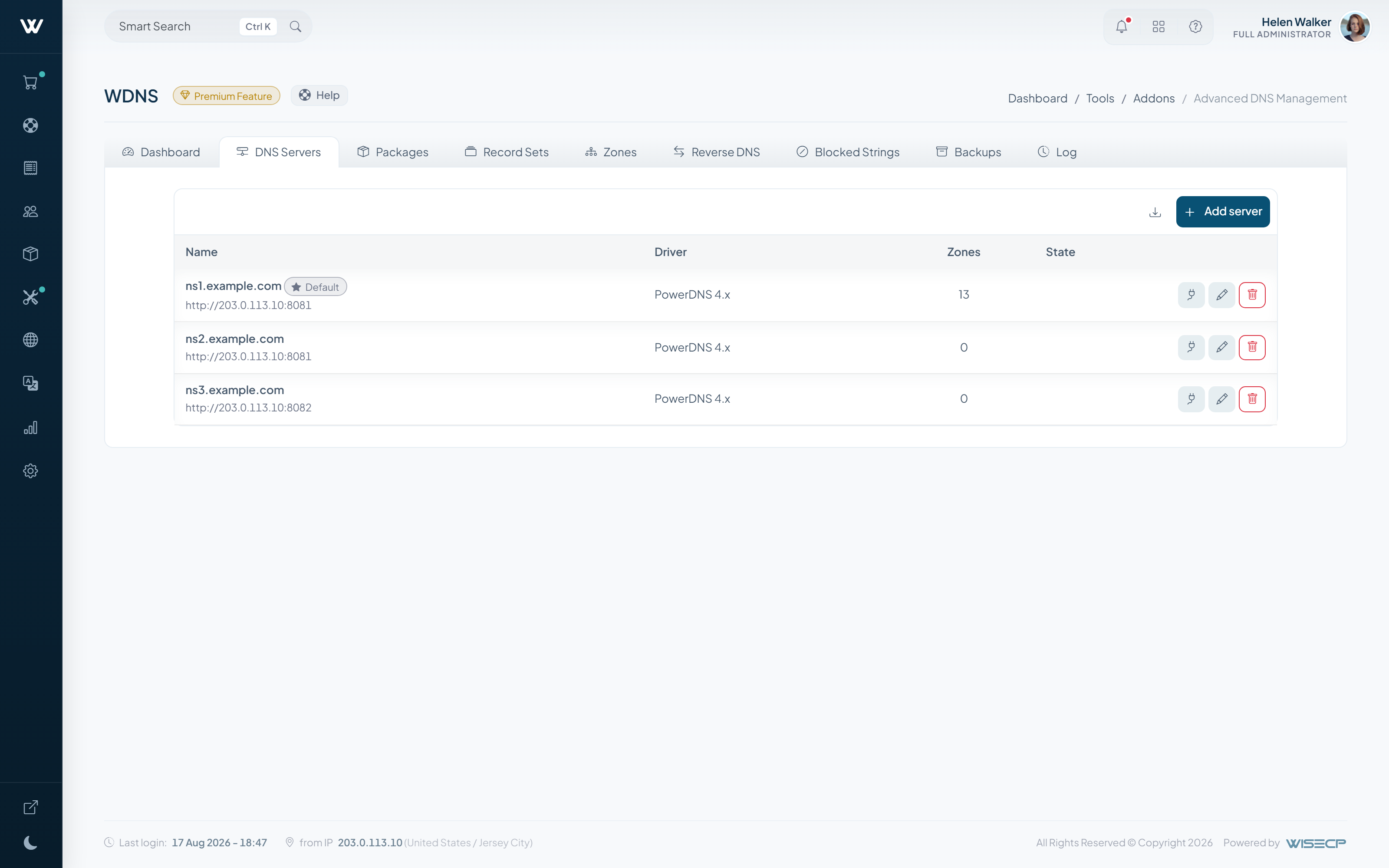
Enter your own ns1/ns2 addresses in the panel; zones are published on those servers.
-
02
The zone is created
A DNS zone is created for the domain and arrives with a default record set.
-
03
The client manages the records
A, CNAME and MX records are edited from the client area and the change goes live.
What It Does
- Primary and secondary zone management
- A, AAAA, CNAME, MX, TXT, SRV, CAA and NS records
- DNSSEC signing
- IPv4 and IPv6 reverse DNS (PTR)
- Zone transfer on request
- Selling DNS hosting as a product of its own
Setup & Scope
- WISECP-versie
- 5.0 of hoger
- Required edition
- Starter and above
- Billing
- Monthly, annual or lifetime
- Setup
- Once the nameserver details are entered, zones are managed from the panel.
-
WChat
Adds live chat to your website, integrated with the client area.
-
AI Assistant
AI-drafted replies and automatic answers for support tickets.
-
WKYC
Automates client identity verification through an external provider.


